
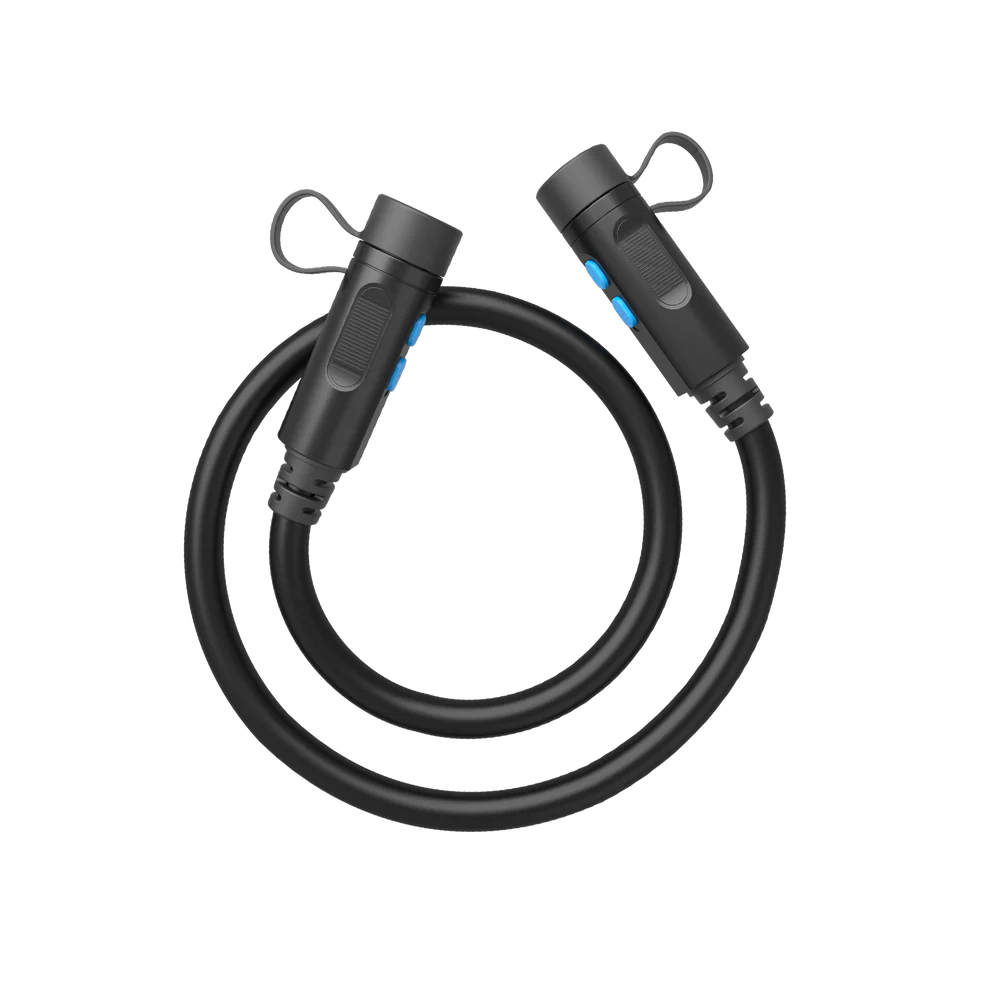
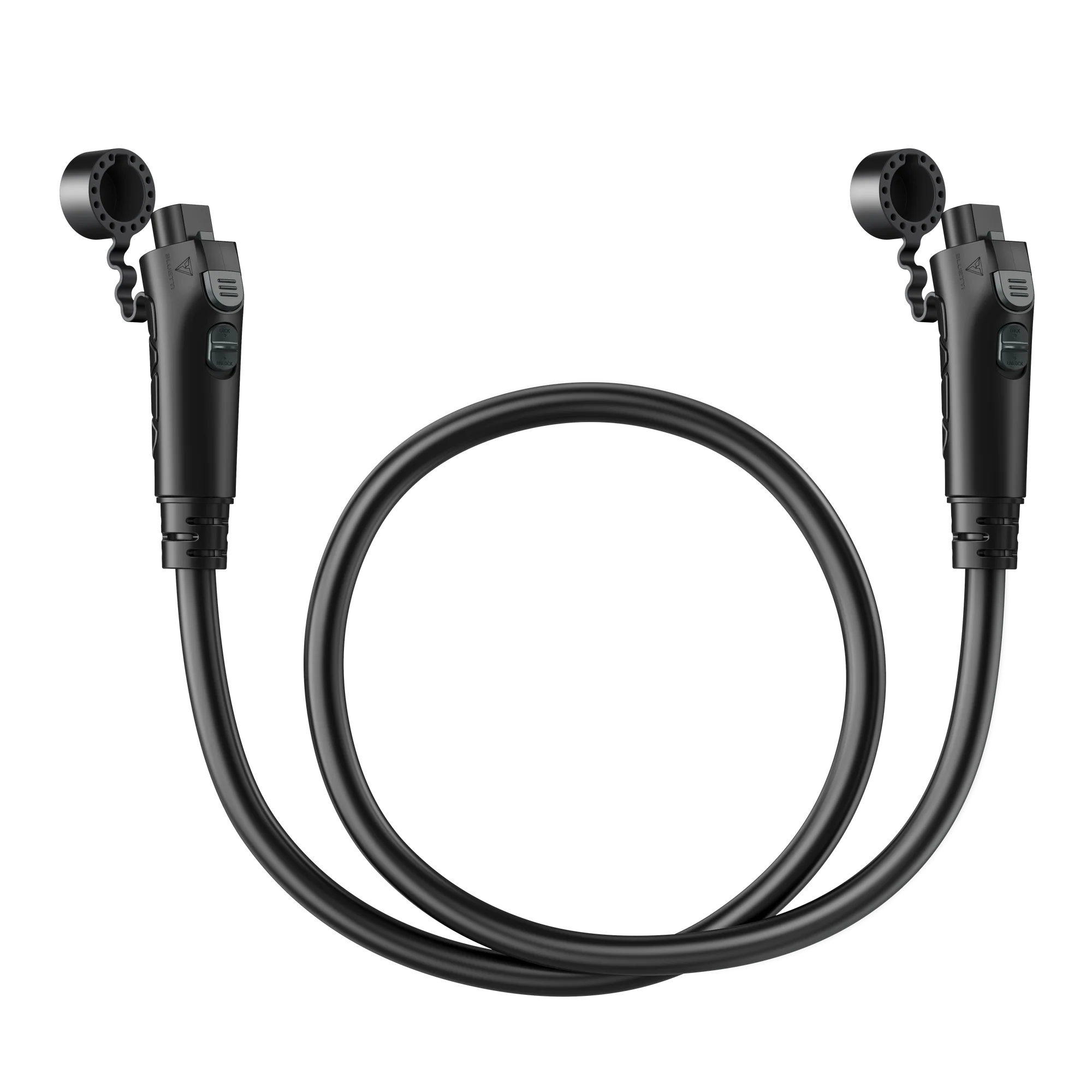
BLUETTI P090A / P150D Battery Expansion Cable
BLUETTI P090A / P150D Expansion Cable
BLUETTI’s modular power stations (AC300, AC200L, AC500, Apex 300) are designed to scale with add-on battery packs you buy the inverter unit first, then add capacity as your needs grow with B230, B300, B300K, B500K, or B300S batteries.
But the batteries don’t come with the connection cable. That’s this product. Two connector variants, one product listing:
- P090A variant — fits B230 / B300 / B300K / B500K battery packs. Compatible with AC300, AC200L, AC200MAX, Apex 300.
- P150D variant — fits B300S battery packs. Compatible with AC500, Apex 300.
Both variants deliver the same job: safely carry battery data and DC power between your expansion battery and the power station’s expansion port. Length is 1.8 metres (70.8 inches) enough slack to arrange units in a variety of layouts without stress on the connectors.
Which variant do I need?
Match the variant to your specific battery and power station combination. If in doubt, check the battery label and your power station’s expansion port before ordering.
Your Battery
Your Power Station
Correct Variant
| B230 | AC300, AC200L, AC200MAX | P090A |
| B300 | AC300, AC200L, AC200MAX | P090A |
| B300K | AC300, AC200L, AC200MAX, Apex 300 | P090A |
| B500K | AC300, AC200L, AC200MAX | P090A |
| B300S | AC500, Apex 300 | P150D |
The battery determines the variant. The P090A connector fits B230/B300/B300K/B500K packs; the P150D connector fits the B300S. Choose based on which battery you own.
If you’re just buying the battery + power station system, order the variant that matches your battery model. If you already own the equipment and just need the cable, check the label on your battery pack.
What the cable actually carries
Two things flow through the cable:
- DC power — the battery’s stored energy transferred to the power station for use
- Communication data — battery state (charge level, temperature, cell health) so the power station can safely manage the pack
That’s why third-party or generic replacement cables can cause problems: they may pass DC current but not the data protocol, meaning the power station can’t accurately read the battery’s status. Genuine BLUETTI cables carry both signals correctly.
Full specifications
Attribute
Detail
| Product | BLUETTI P090A / P150D Battery Expansion Cable |
| Variants available | P090A · P150D |
| Cable length | 1.8 m (70.8″) |
| Function | Connects BLUETTI expansion battery to compatible power station |
| Data + power | Yes — carries both battery communication and DC current |
| Warranty | 12 months (per BLUETTI accessory warranty) |
| Type | Genuine BLUETTI accessory |
What’s in the box
- 1 × BLUETTI Battery Expansion Cable (in your chosen variant)
- Product care documentation
Not included (sold separately):
- BLUETTI expansion battery (B230, B300, B300K, B500K, or B300S)
- BLUETTI power station (AC300, AC200L, AC200MAX, AC500, or Apex 300)
- Any other cables required for your specific configuration
Compatibility summary read this before ordering
P090A variant fits:
- ✅ B230 → AC300 / AC200L / AC200MAX
- ✅ B300 → AC300 / AC200L / AC200MAX
- ✅ B300K → AC300 / AC200L / AC200MAX / Apex 300
- ✅ B500K → AC300 / AC200L / AC200MAX
P150D variant fits:
- ✅ B300S → AC500 / Apex 300
Neither variant works for:
- ❌ EB55 / EB70 / EB70S — these use different expansion cables (T200S and P090D To DC7909)
- ❌ EB120 / EB150 / EB240 — different expansion system (P090D To DC7909)
- ❌ AC200 / AC200P — use P090D To XT90 instead
- ❌ EP500 / EP500 Pro — different expansion cables required
- ❌ EP800 / EP900 — whole-home ESS platform with different battery integration
If your setup doesn’t appear on the compatible list, don’t order this cable — it won’t work for your system. BLUETTI’s product line has multiple expansion cable types across different platforms; the correct one depends on your specific battery + power station combination.
Where this cable sits in BLUETTI’s expansion cable ecosystem
BLUETTI ships several battery expansion cables across its product line. This one is specific to modular power stations that pair with the current-generation modular battery packs. Related cables in the ecosystem:
Cable
Compatible Batteries
Compatible Power Stations
| P090A (this variant) | B230, B300, B300K, B500K | AC300, AC200L, AC200MAX, Apex 300 |
| P150D (this variant) | B300S | AC500, Apex 300 |
| CA90 Short Expansion Cable | B300K, B500K | Apex 300 only (10.6″ short-length variant) |
| P090D To DC7909 | B230, B300 | EB150, EB240, AC180 |
| P090D To XT90 | B230, B300 | AC200, AC200P |
| P090D To MC4 | B230, B300 | EP500 Pro |
| P090D To Aviation | B230, B300 | AC200L (also compatible via P090A on newer setups) |
The variety looks confusing, but each cable is designed for a specific power station’s expansion port. Match the cable to your specific setup — this is where BLUETTI’s ecosystem gets granular.
Setup how to actually connect it
Simple process, one-time setup:
- Power off both the power station and the expansion battery
- Plug the cable’s battery end into the expansion battery’s output port (labeled)
- Plug the cable’s power station end into the power station’s expansion input port (labeled)
- Turn on the expansion battery first, then the power station
- Verify the power station’s display shows the expansion battery detected and charging/discharging as expected
The connectors are keyed they only fit one way. Don’t force them if there’s resistance; check the alignment.
When you need more than one cable
If you’re running multiple expansion batteries on the same power station:
- AC300 supports up to 4 × B300 batteries — you need 4 cables (one per battery)
- AC200MAX supports up to 2 × B300 batteries — you need 2 cables
- AC200L supports up to 4 × B300K/B500K batteries — you need 4 cables
- AC500 supports up to 6 × B300S batteries per pair — you need 6 cables
- Apex 300 supports various configurations depending on B300K/B300S choice

 No products in the cart.
Reviews
There are no reviews yet.